Wedding Retouching Bundle — Essential Plugins for Every Wedding Photographer
Effortless, professional wedding photo retouching — save time and keep natural beauty.
Visit retouch4.me for more info.


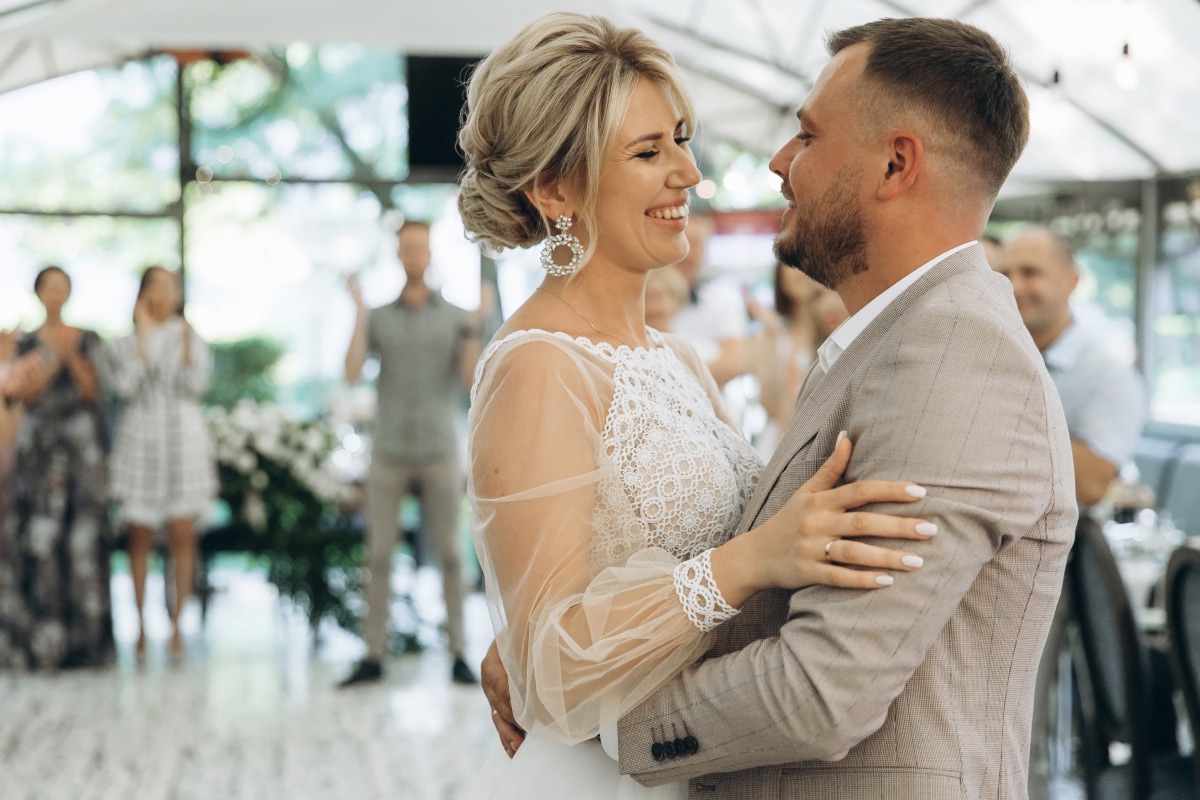



See the difference.
Feel the time you’ve saved.
Natural, stunning, fast.
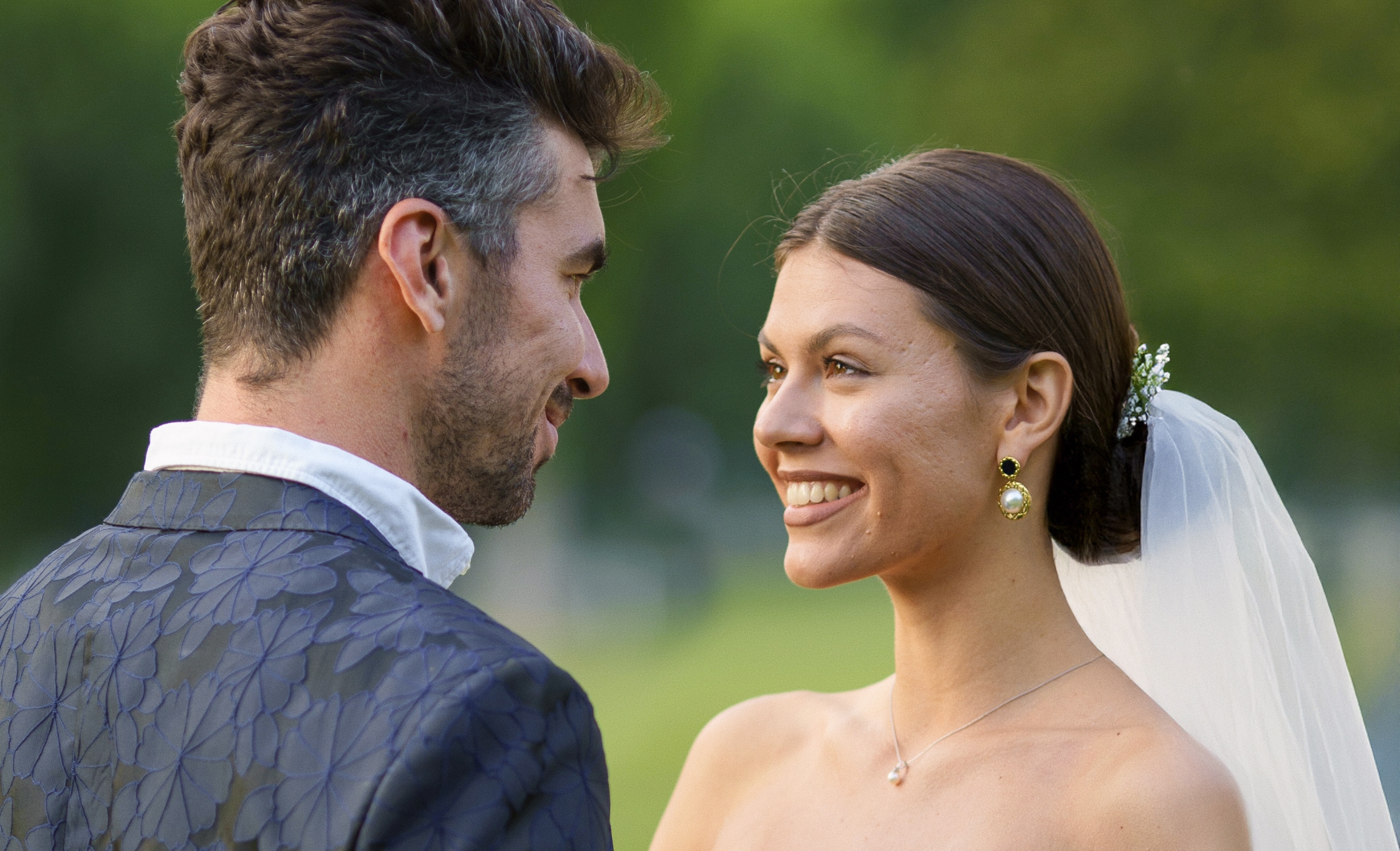



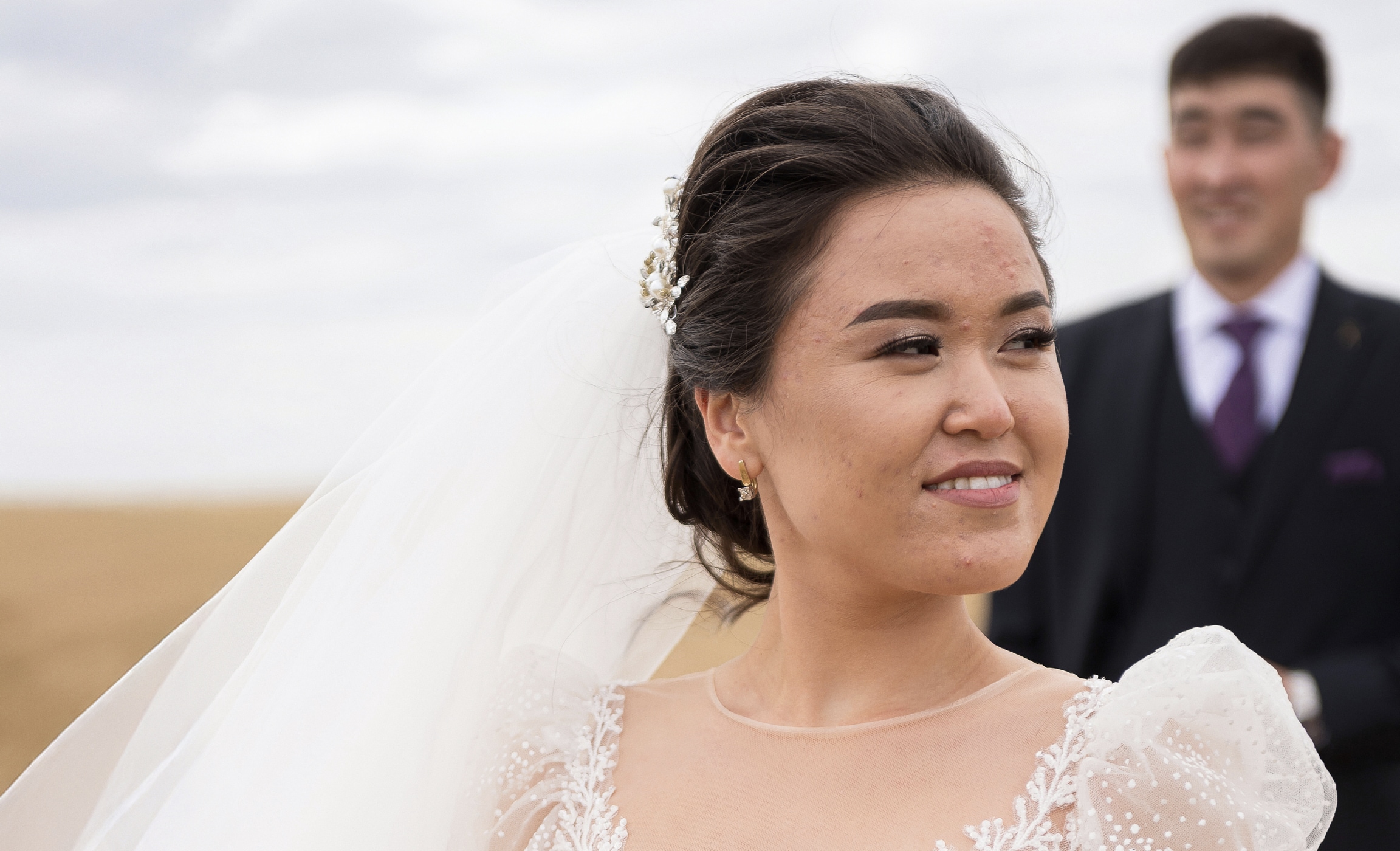
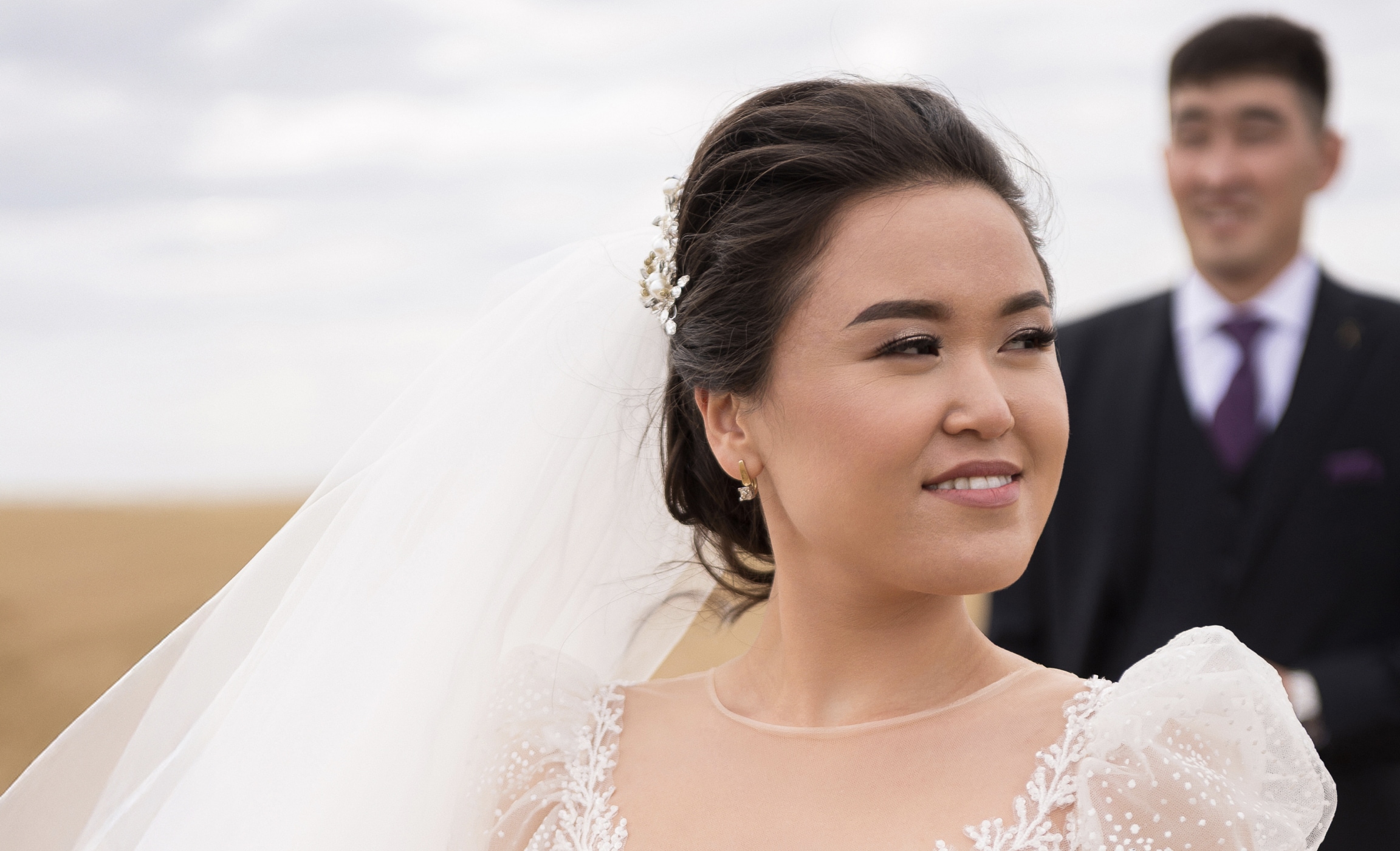
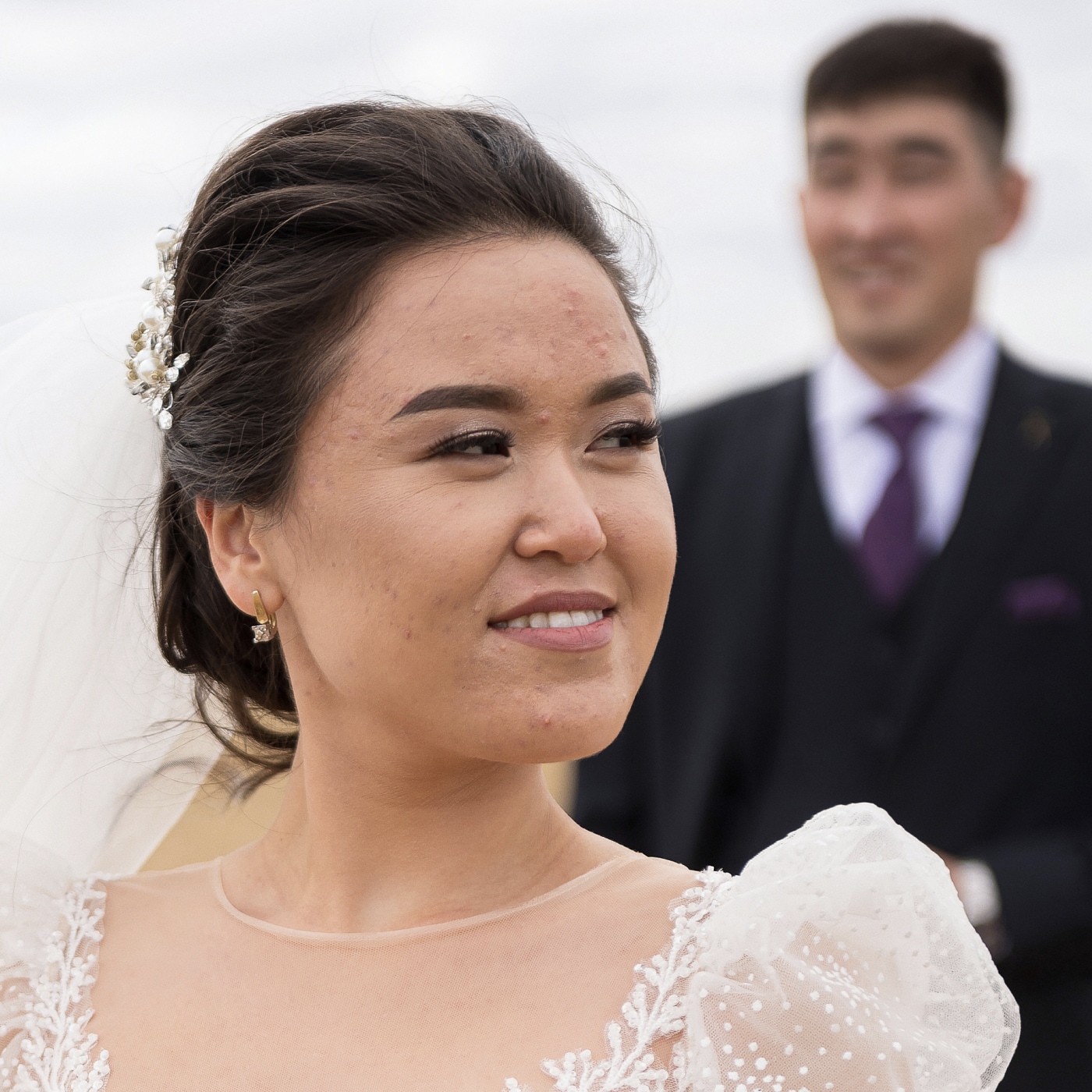
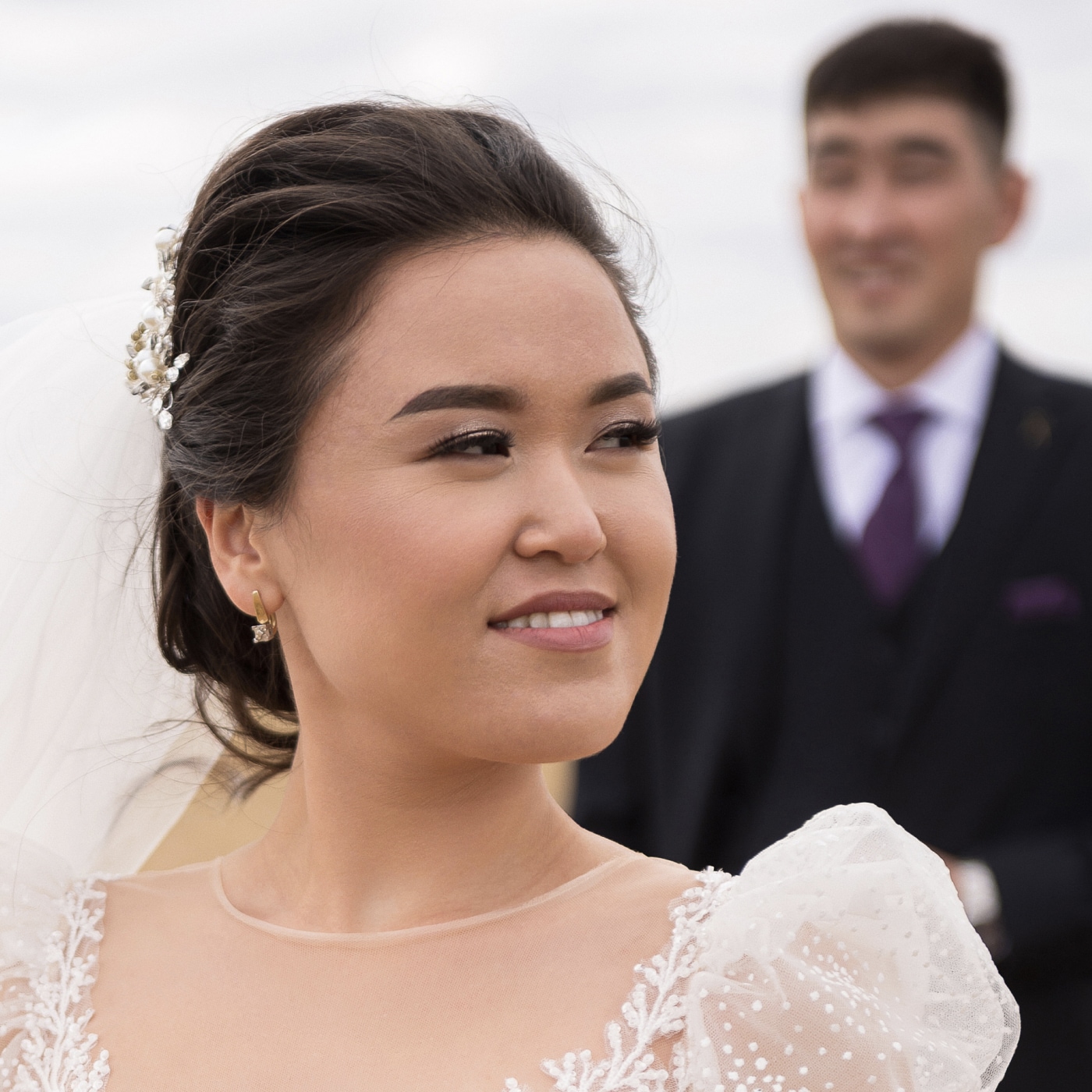
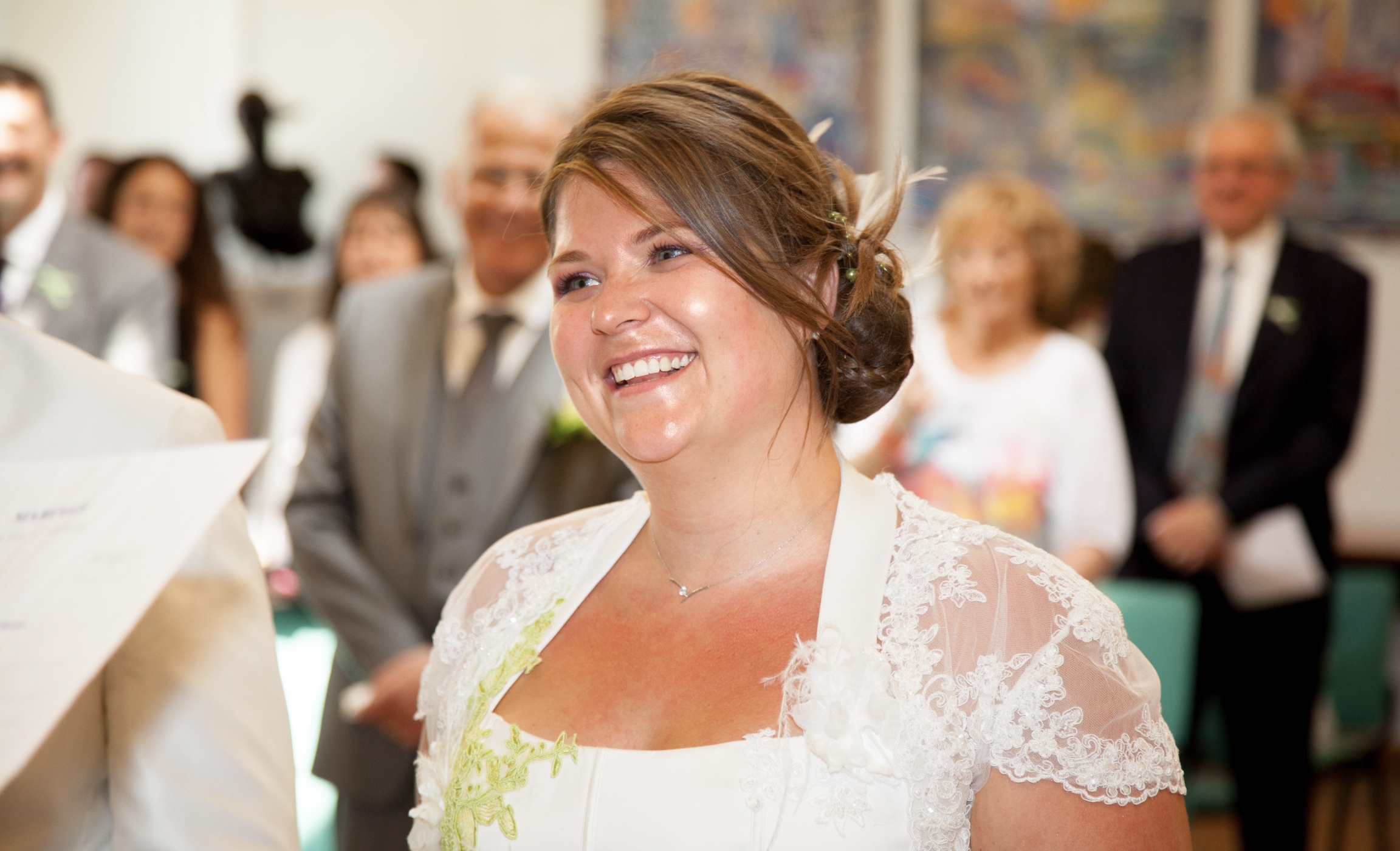
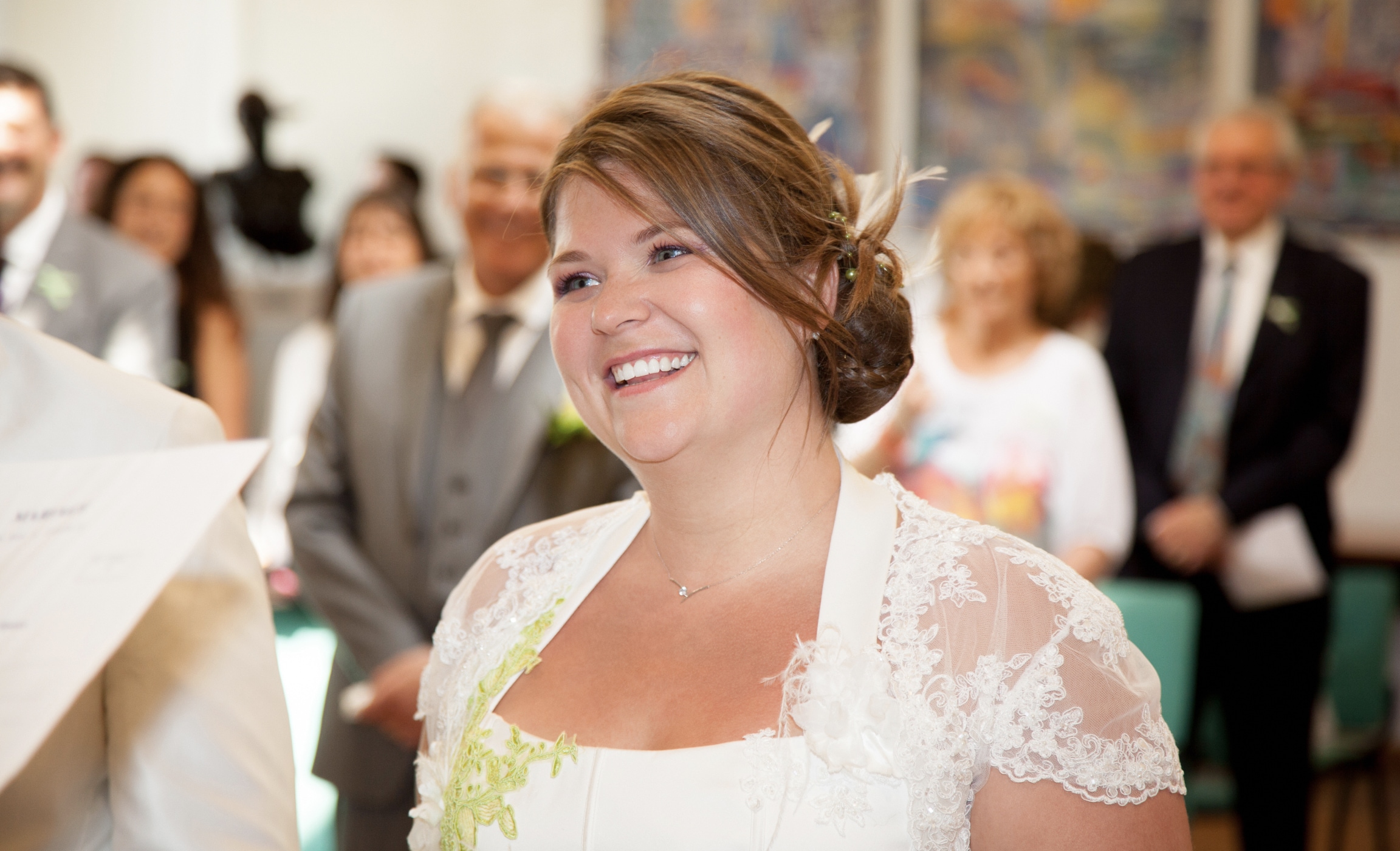
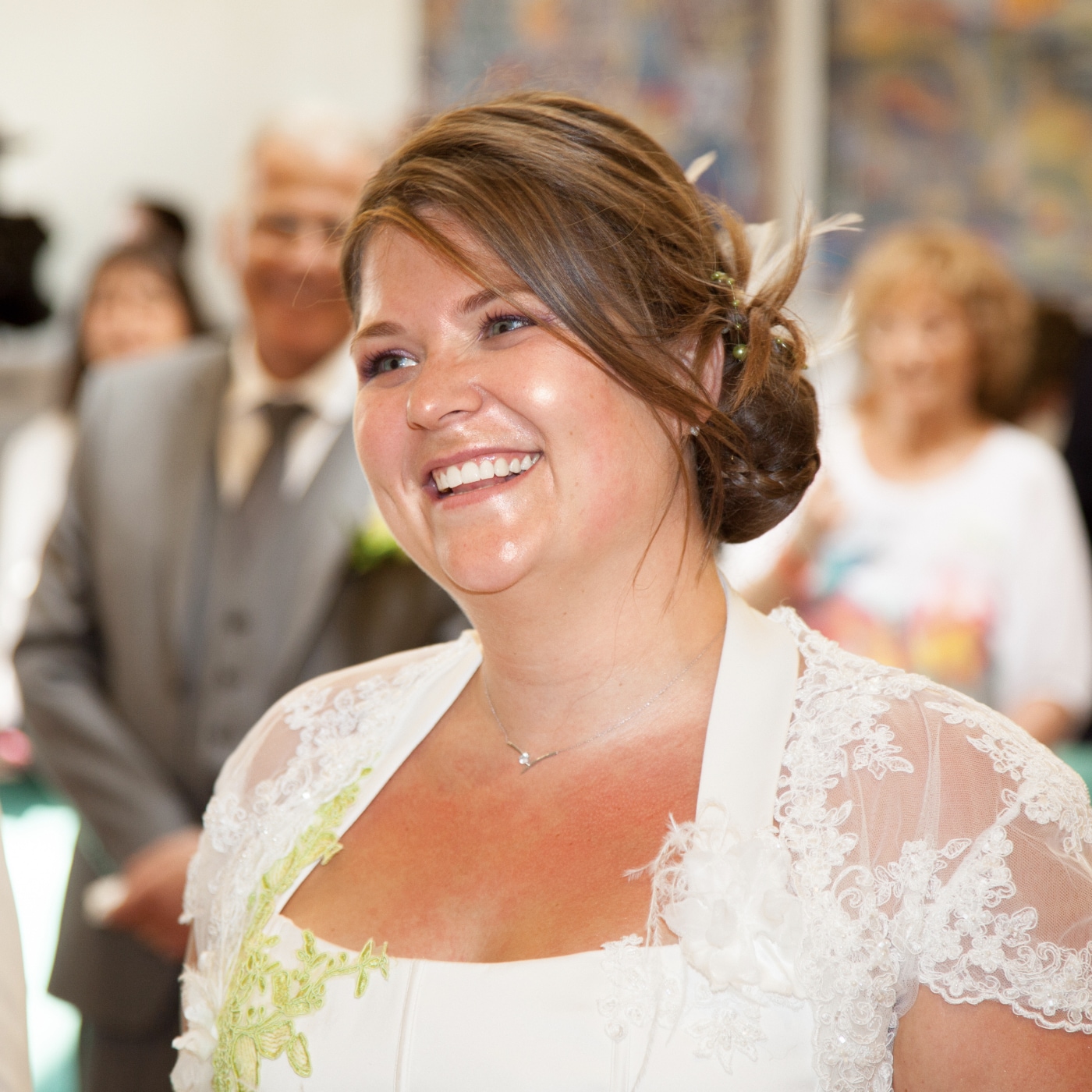
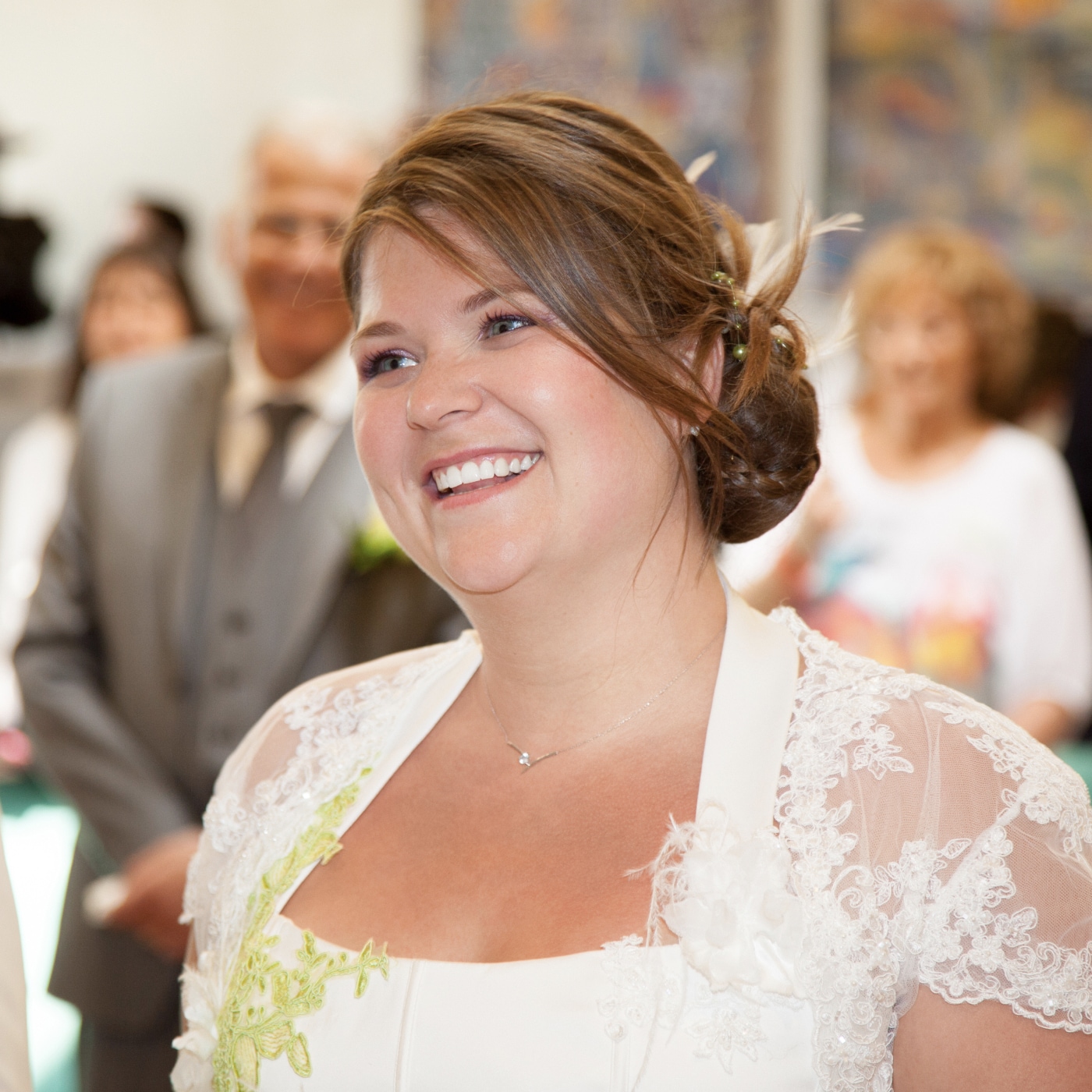
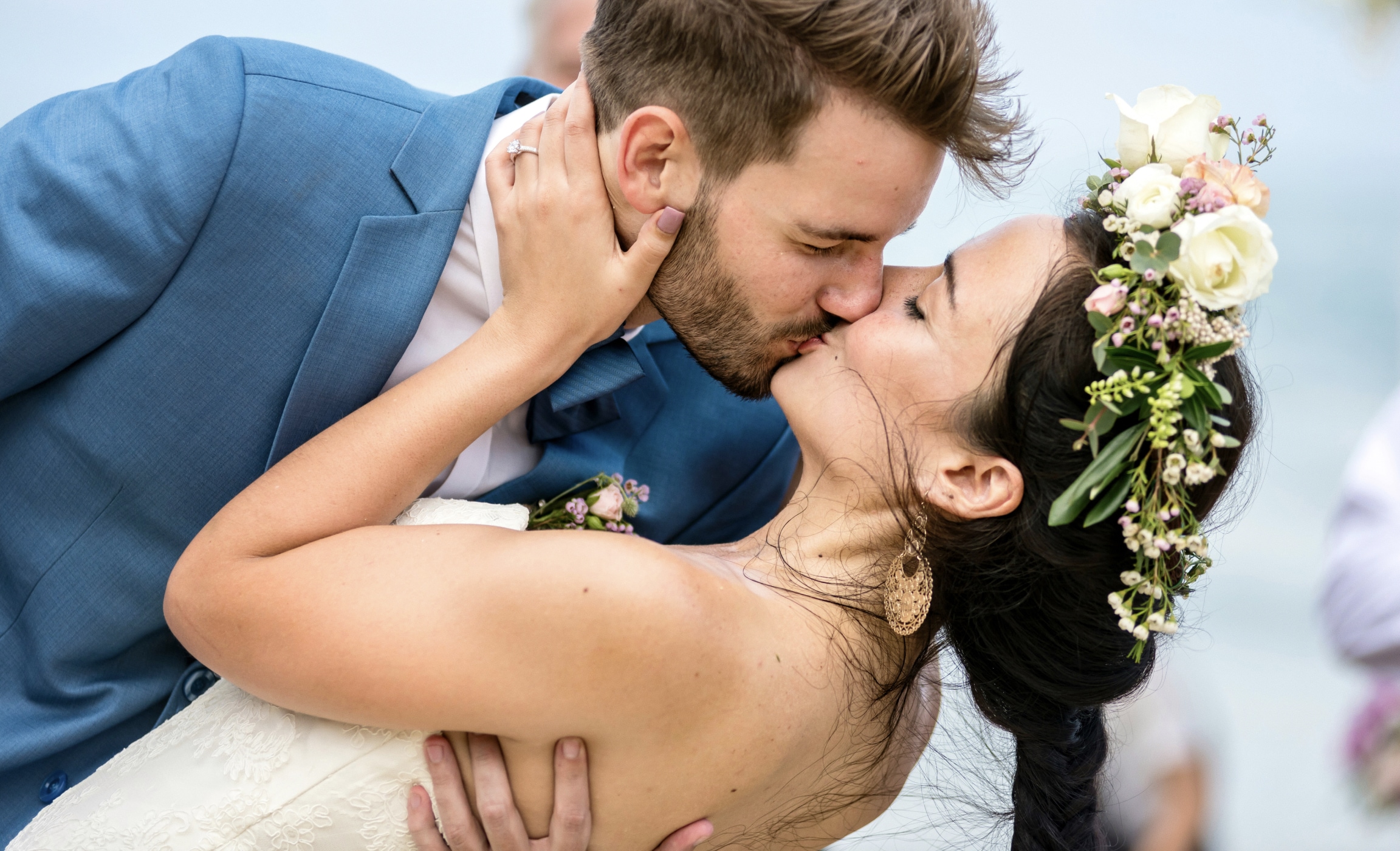
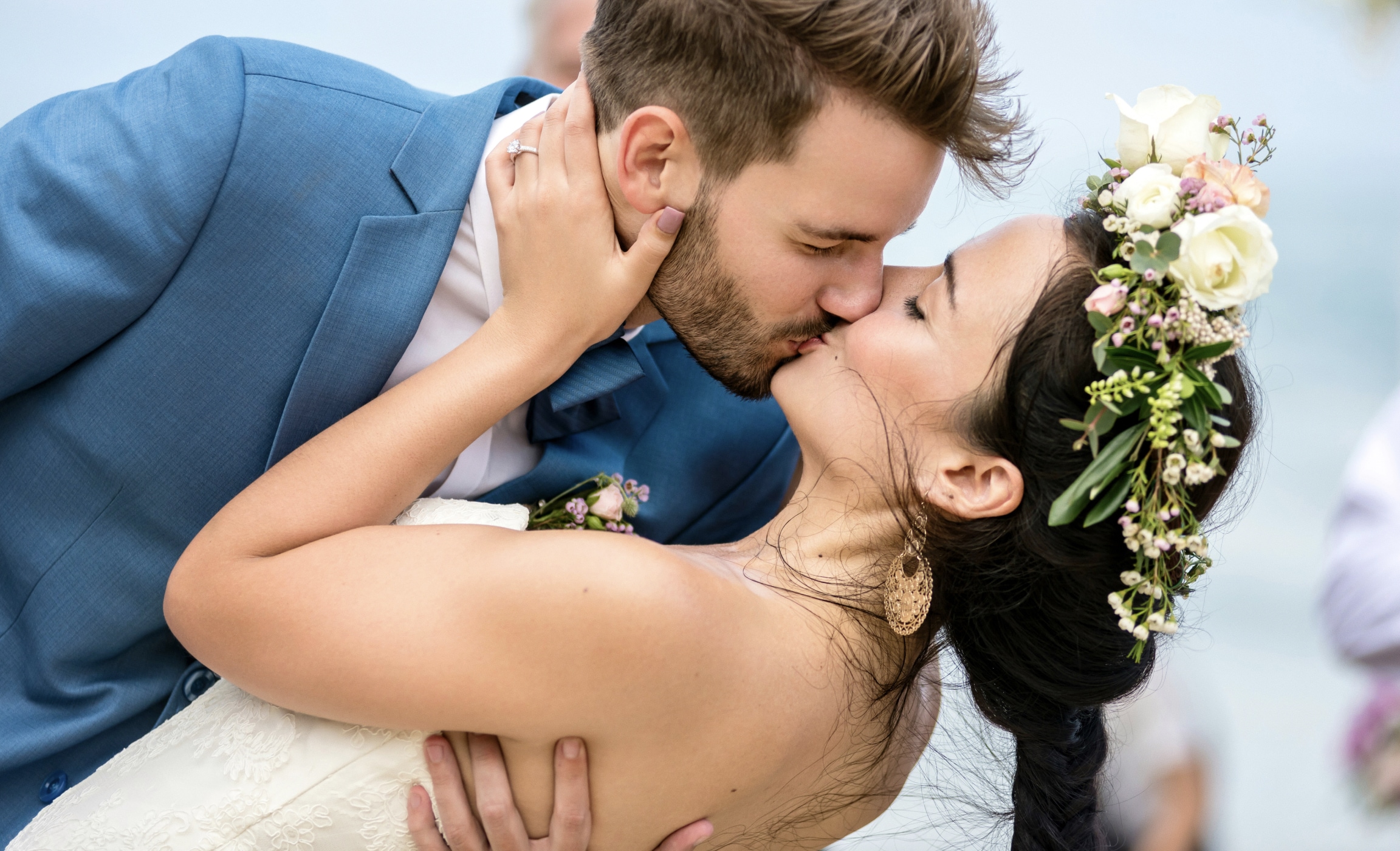
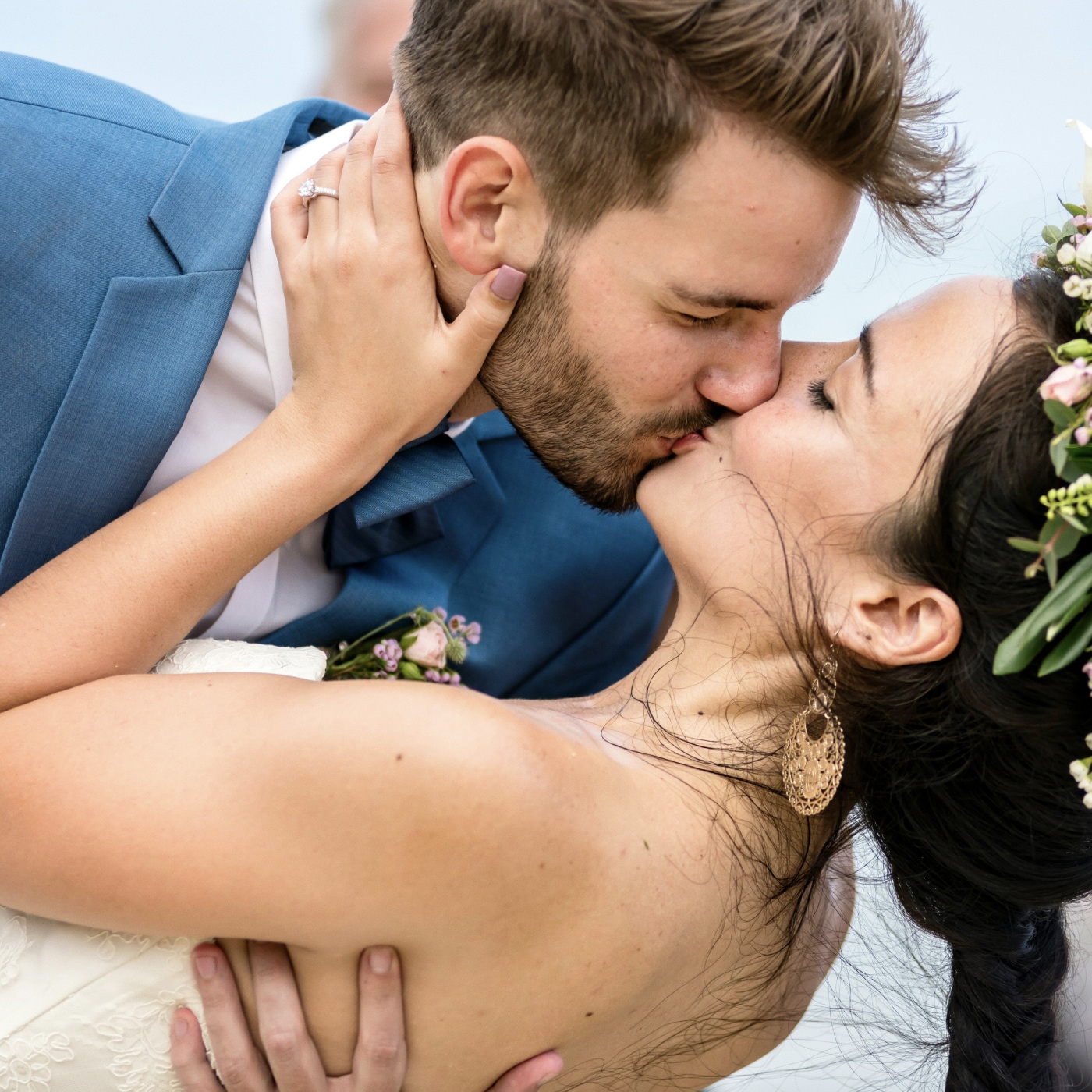
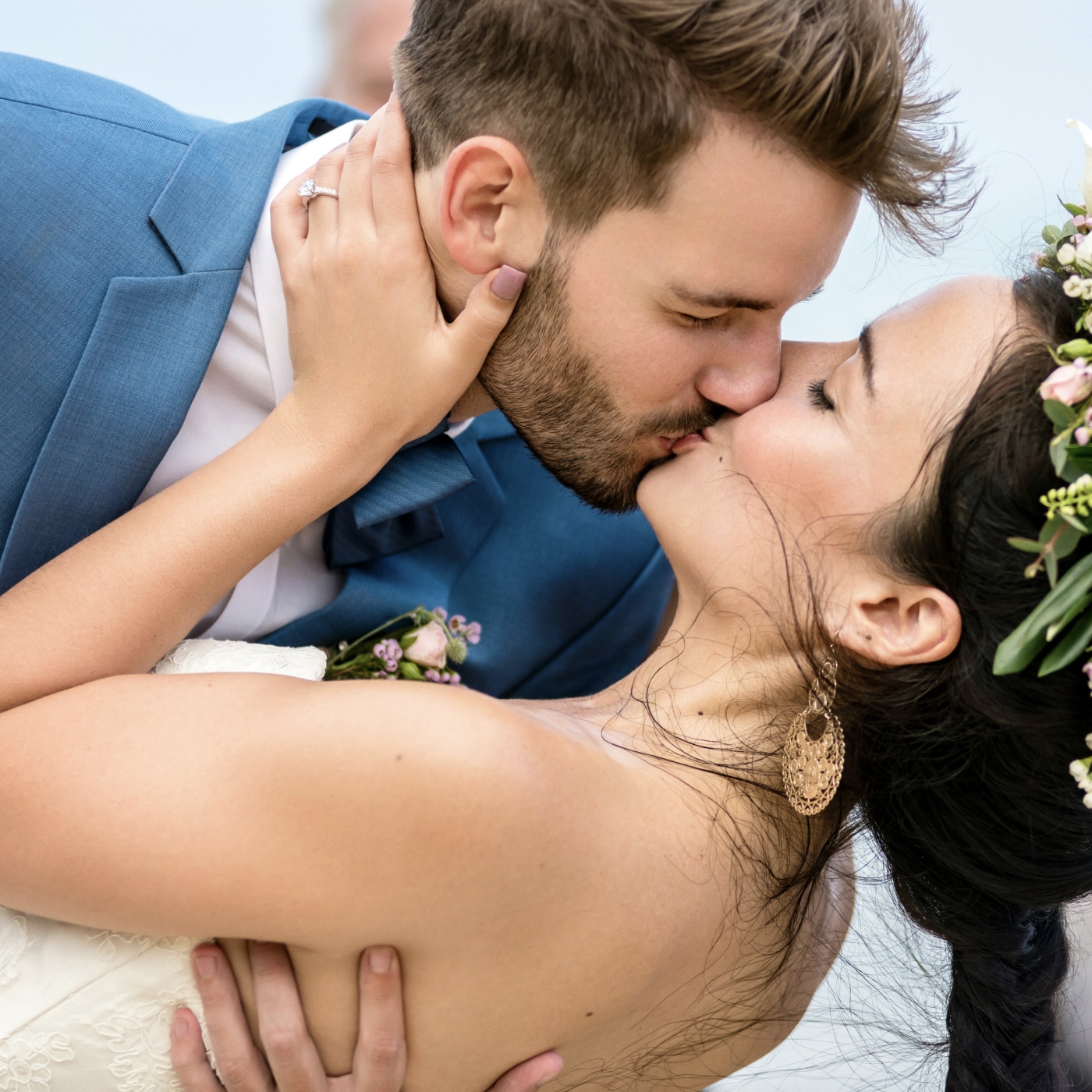


This bundle includes two professional retouching tools
No need to cherry-pick. Get everything you need to retouch wedding portraits like a pro – for less.
Retouch4me Heal
Automatically removes pimples, redness, and small skin defects while preserving natural skin texture.
Perfect for wedding portraits where natural beauty is key.

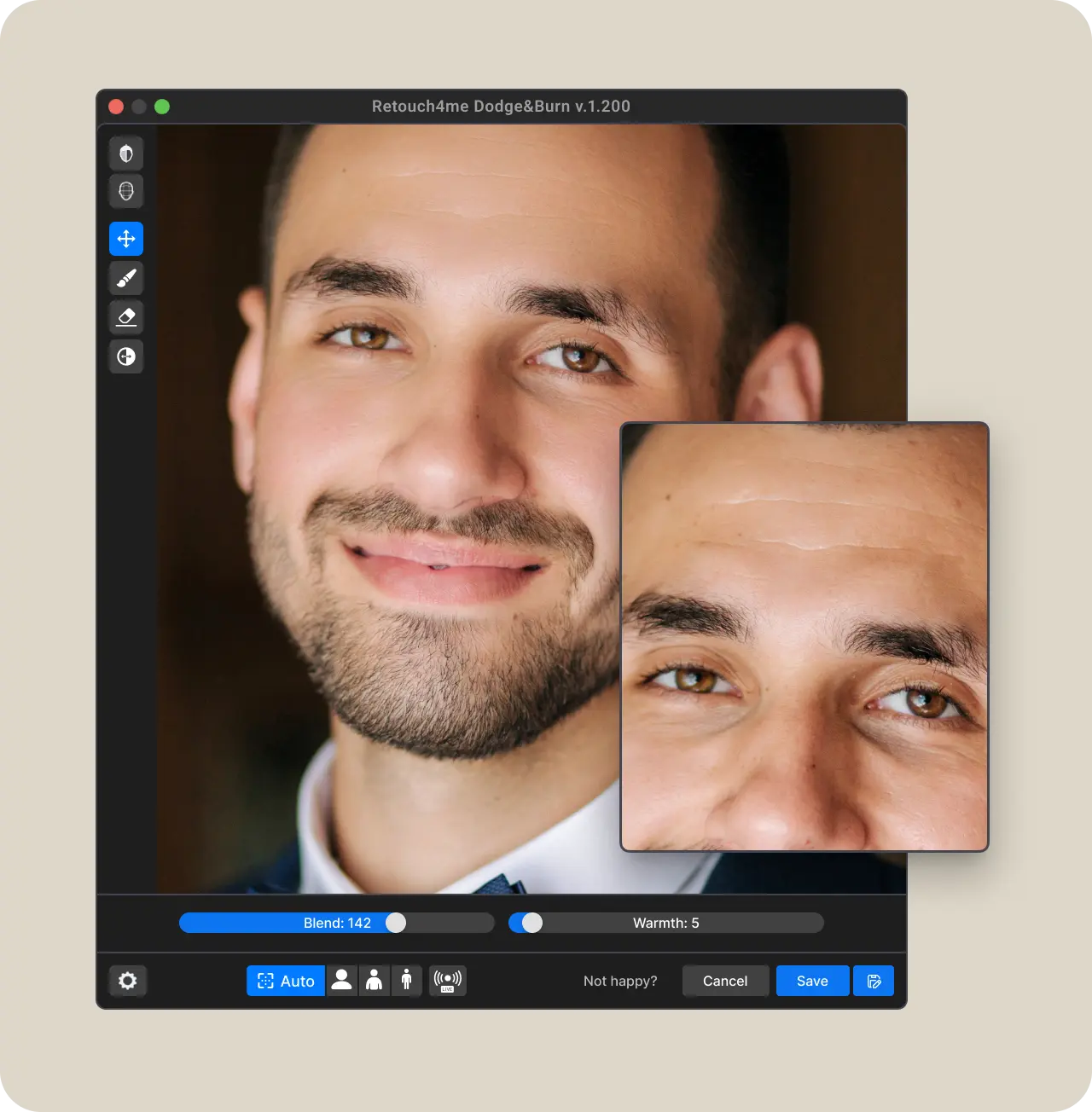
Dodge & Burn
Smooths tones and lighting for a clean, professional look — no loss of realism.
Ideal for close-up shots of the bride and groom.
Total savings: $68.25 when purchased as a bundle — 25% OFF each plugin.
Get both plugins now and streamline your wedding retouching workflow — without compromising on quality
Everything you need

Instant results
Get pro-level wedding retouching in seconds — no need to mask or retouch by hand.

Lifetime license
Buy once, use forever. No subscriptions, no strings — just full, unlimited access to your tools.

Confidentiality
Secure edits with full privacy — all images are processed locally on your computer.

Trusted by professionals
Used by top photographers worldwide to save hours and keep quality at its highest.
Getting Started with Plugins
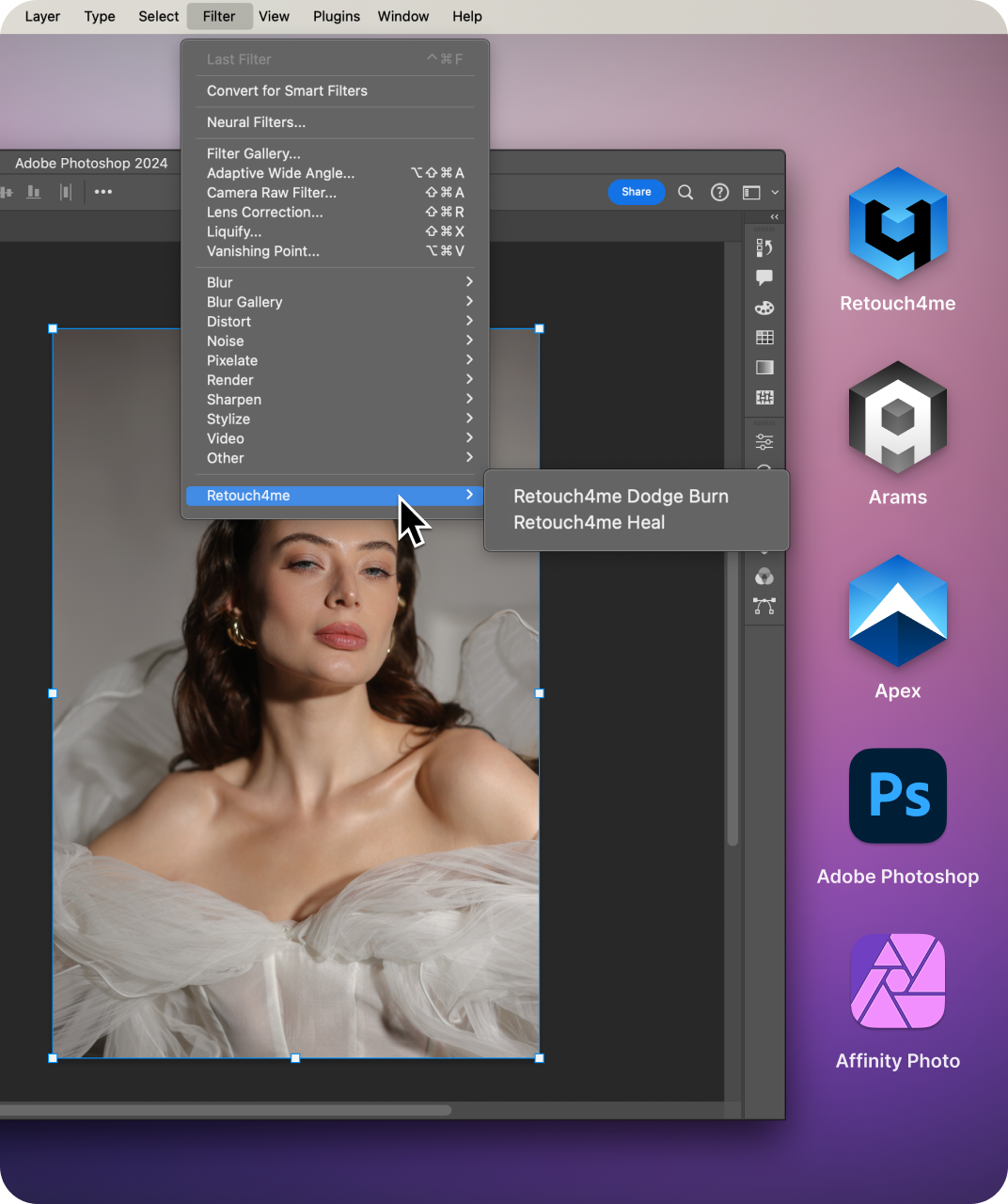
Retouch4me plugins seamlessly integrate into your workflow. Use them as standalone applications or as a plugin with most popular photo editing software. They also work with our Retouch4me Apex and Arams AI Editor, which expands their functionality.

Create an account to access downloads. To try the plugin for free, download the demo for your operating system.
Launch the installer you downloaded and follow the on-screen instructions to complete the setup.
You can now start using the plugins. Open them whichever way is most convenient for you: as a standalone app, within Retouch4me Apex or Arams AI Editor, or directly in Adobe Photoshop as a filter or via the dedicated Photoshop Panel.
The first time you run a plugin, sign in to your Retouch4me account to activate it — and you’re all set!
Frequently Asked Questions
What is included in the bundle?

Two AI plugins: Retouch4me Heal and Dodge & Burn — lifetime license and discount.
Can I try before buying?
Yes! Demo versions available: Heal Download demo, Dodge & Burn Download demo
Do I need Photoshop?
Not necessarily. You can use Retouch4me plugins in Adobe Photoshop if you prefer, but they also work seamlessly in standalone apps like Arams AI Editor and Retouch4me Apex — no additional plugin installation required there. Choose the workflow that suits you best.
Is this a subscription or one-time purchase?
One-time purchase with lifetime access.
Can I install on multiple computers?
Yes, on two devices simultaneously.
What if I have issues with installation?
There is a manual and support: retouch4.me/support
System requirements
Operating systems
- Windows 7, 8, 10, or newer
- macOS 10.15 or newer
Hardware
- 64-bit (x64), 1.2 GHz or faster
- PC: OpenCL-compliant GPU with 4 GB RAM
- Mac: 2015 or newer
- at least 6 GB